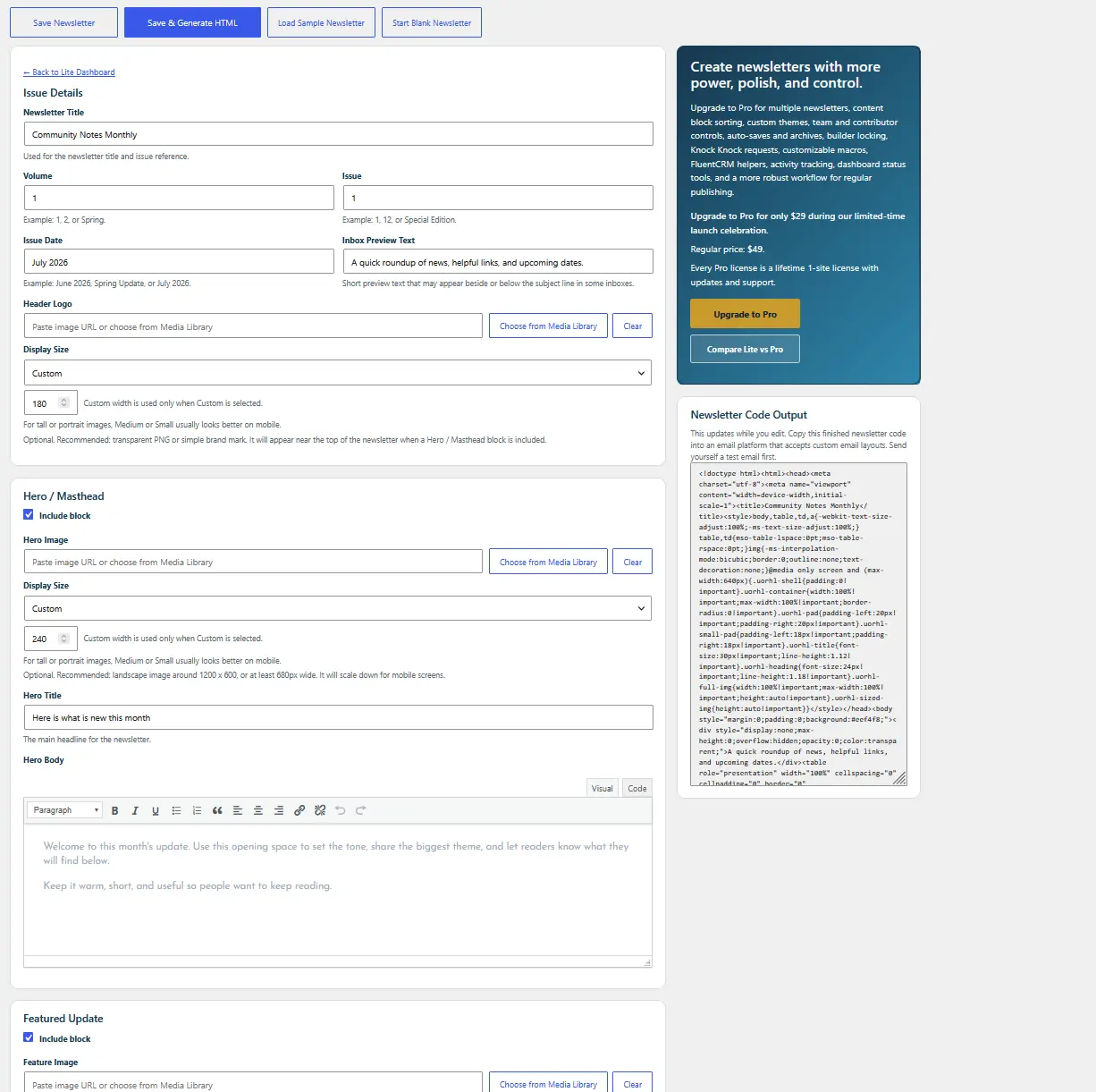
Issue Details
Set the title, volume, issue, date, and inbox preview text.
Easy Newsletter Builder Lite · Free
Lite gives you a guided WordPress workspace for creating one saved newsletter, previewing it live, and generating finished HTML for the email platform you already use.
Useful from the first install
Lite is not a stripped-down demo. It gives solo site owners and occasional publishers the complete core path from blank page to finished newsletter code.
A place for every part of the issue
Use only what the current issue needs. Main blocks can be included or hidden, and Custom Sections give you room for anything that does not fit the standard flow.
Set the title, volume, issue, date, and inbox preview text.
Open with the issue's main idea, image, and introduction.
Give the most important story or announcement the strongest placement.
Add focused updates that readers can scan quickly.
Create extra blocks for resources, events, notes, links, and more.
Close with one clear next step and accurate contact or subscription details.
One important distinction
Easy Newsletter Builder does not manage subscribers, process unsubscribes, schedule campaigns, or deliver email. That work stays with FluentCRM, Mailchimp, MailPoet, or another compatible sending platform.
This keeps the plugin focused on making the creation process simpler and the finished newsletter more consistent.
Free, useful, and ready to install
Install from the official WordPress.org plugin directory, then start blank or load the sample newsletter.